Choose Grasp Poses
Overview
A manipulation pipeline needs both an object location and a grasp pose. Choose the grasp strategy based on what your application knows about the object:
- Use a manually defined grasp offset for known objects with stable geometry or a known reference frame.
- Use point cloud geometry as a heuristic when the object does not have a known frame.
In both cases, validate the resulting pose against robot kinematics, collisions, and the intended approach direction before execution.
Manually Defined Grasp Poses
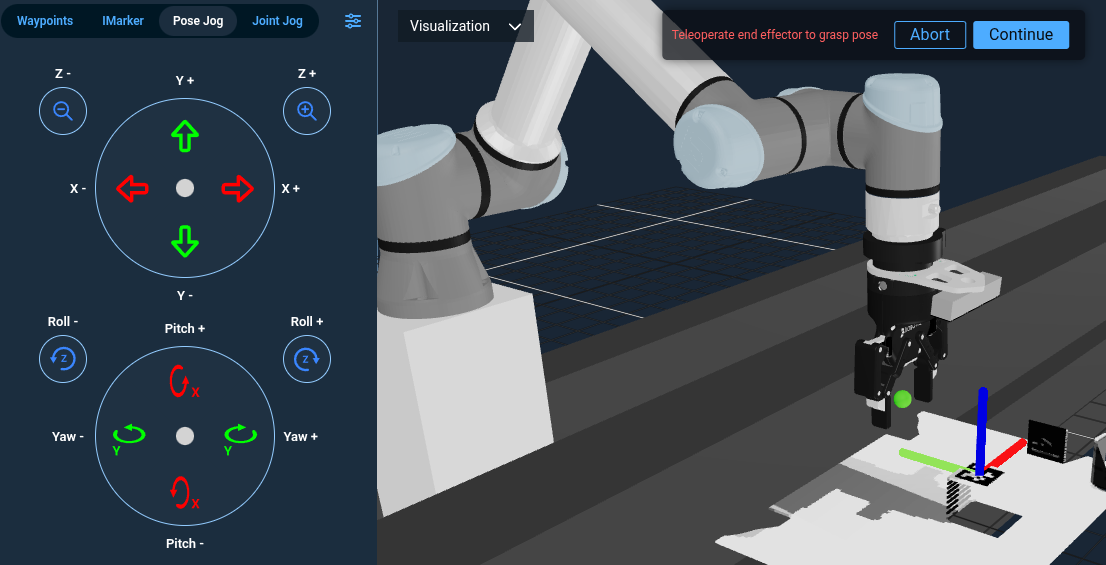
When your application works with a known, fixed set of objects and you have precise CAD models or object frames, manually defining grasp offsets is effective and predictable. For a complete workflow, see Define a Grasp Pose.
Heuristic Grasping via Point Cloud Centroids
For objects without a known frame or a point cloud registration result, use segmentation to isolate the object and GetCentroidFromPointCloud to calculate its centroid. Apply a fixed pre-grasp offset and approach strategy relative to that point.
A centroid calculated from a partial, single-view point cloud can be biased toward the visible surface. When centroid accuracy matters, fuse observations from multiple viewpoints before calculating it.
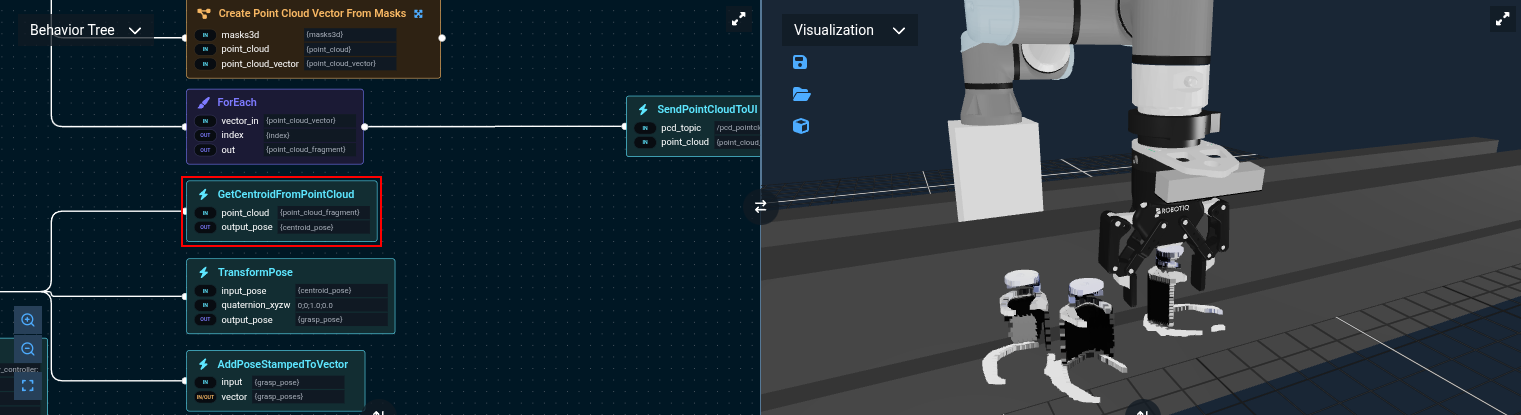
A centroid is only a geometric reference. It does not describe object affordances, rank grasp quality, or account for the gripper's geometry. Use collision checking and kinematic validation, and constrain the approach direction for the application.
Next Steps
- Define a Grasp Pose: Create and tune grasp offsets for known objects.
- ML Image Segmentation: Convert image masks into segmented point clouds and geometric properties.
- Iterative Closest Point: Match observed point clouds to known object models.