Gamepad Teleoperation Setup Guide
MoveIt Pro supports standard USB game controllers for hands-on robot teleoperation. A gamepad can be used to jog the robot in real-time (Pose mode) or to position the interactive marker for IK-based motion planning (Interactive Marker mode).
MoveIt Pro also provides four UI-based teleoperation modes (Interactive Marker, Pose, Joint, and Waypoints) that require no additional hardware. See the UI-Based Teleoperation Guide for details.
Supported Controllers
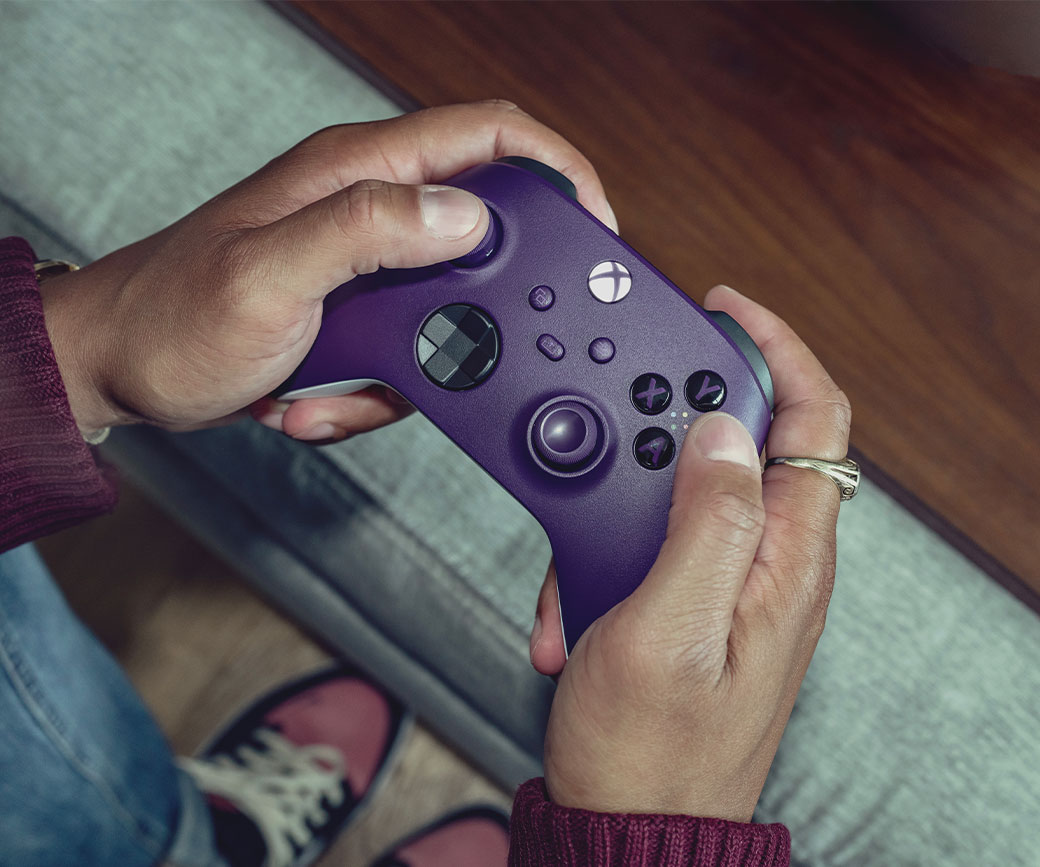
MoveIt Pro supports standard USB game controllers, including Xbox controllers, and provides intuitive mapping for robot control.
- Xbox 360 Controller: Full support over USB or wireless connections
- Xbox One Controller: Compatible over wired connections with no additional setup
- Generic USB gamepads: Most standard USB game controllers work out of the box
Setup Requirements
- Plug the USB controller into the computer running the MoveIt Pro desktop app
- Keep the desktop app open and focused while using the controller
- For Xbox One wireless dongles, xow is required
Control Mapping
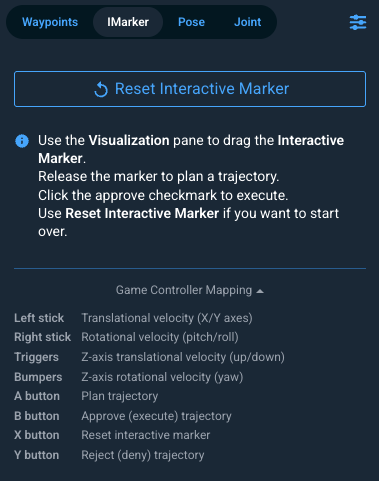
Each teleoperation mode has its own gamepad layout. The live mapping — sticks, triggers, bumpers, and action buttons — is shown directly in the MoveIt Pro sidebar whenever a gamepad is connected, so you can reference the current bindings without leaving the UI.
Pose Teleop
Sends continuous velocity commands to jog the robot directly. The left stick drives translational velocity, the right stick drives rotational velocity (pitch/roll), the triggers move along Z, and the bumpers yaw around Z.
Interactive Marker
Moves the interactive marker in 3D space for IK-based motion planning. Stick and trigger axes translate/rotate the marker, and the IK preview updates in real time. When all sticks return to center the target pose is stored, ready for planning and execution. Action buttons (plan / approve / reset) are shown on the in-app mapping alongside the axes.
The desktop app must be open and focused to receive controller input. The
Runtime's --headless option only disables graphical-driver and X11 setup; it
does not affect gamepad support.