MoveIt Pro Technical Specifications
Built by the team behind the open-source MoveIt framework, MoveIt Pro is a commercial platform for developing, simulating, and deploying advanced robot manipulation applications. This page covers its computer, software, and robot hardware requirements, along with a summary of currently available features.
Product Family Overview
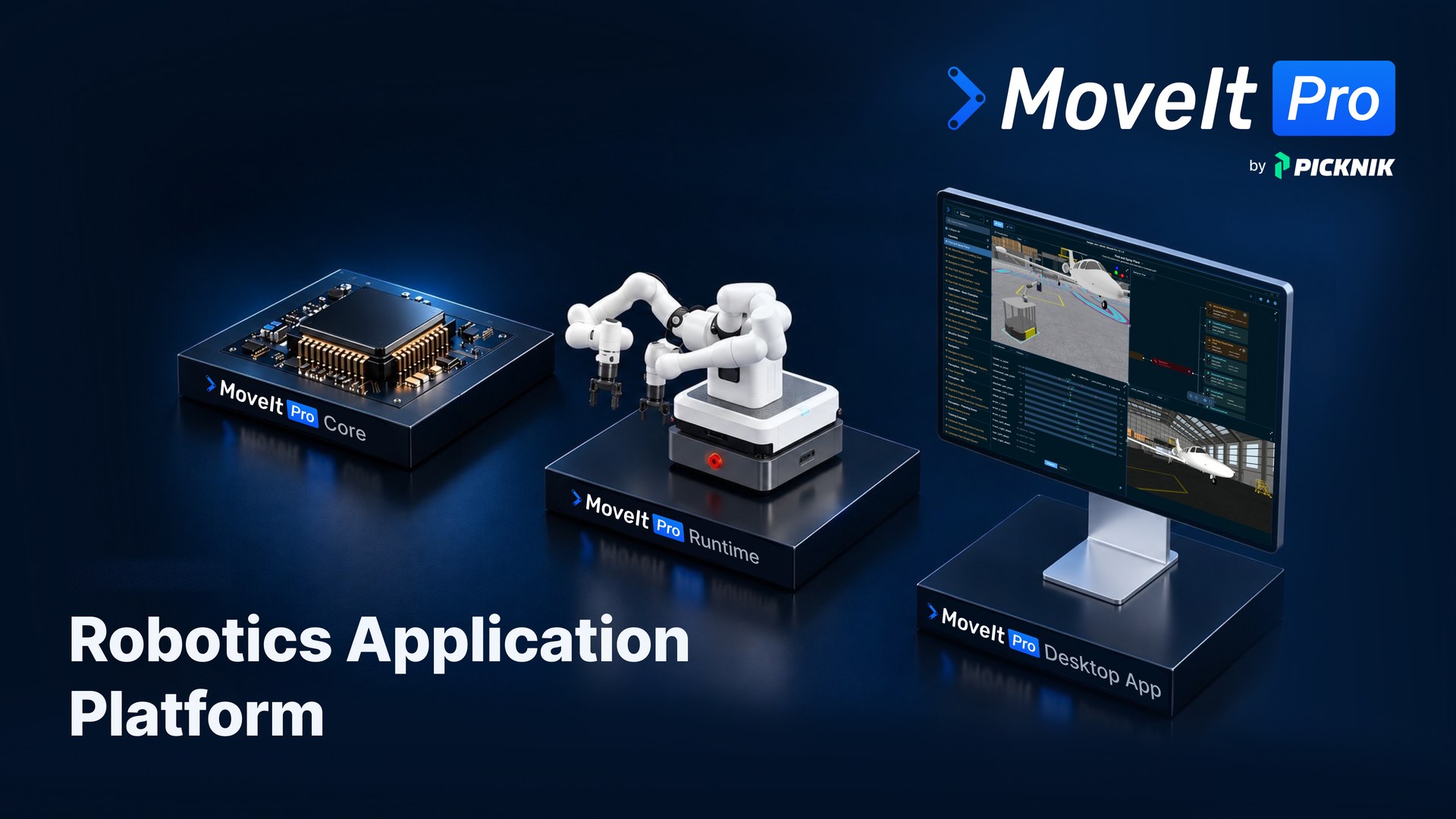
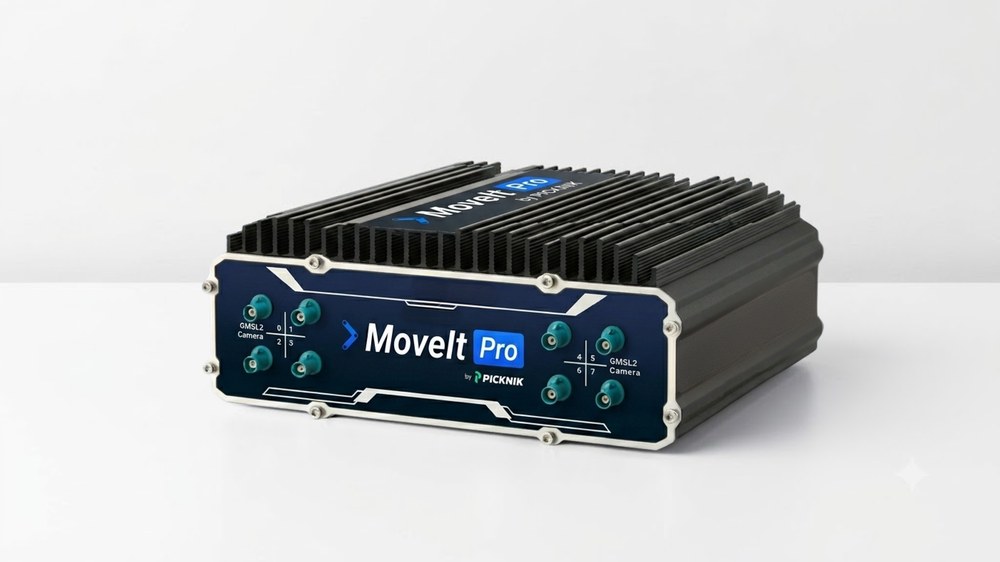
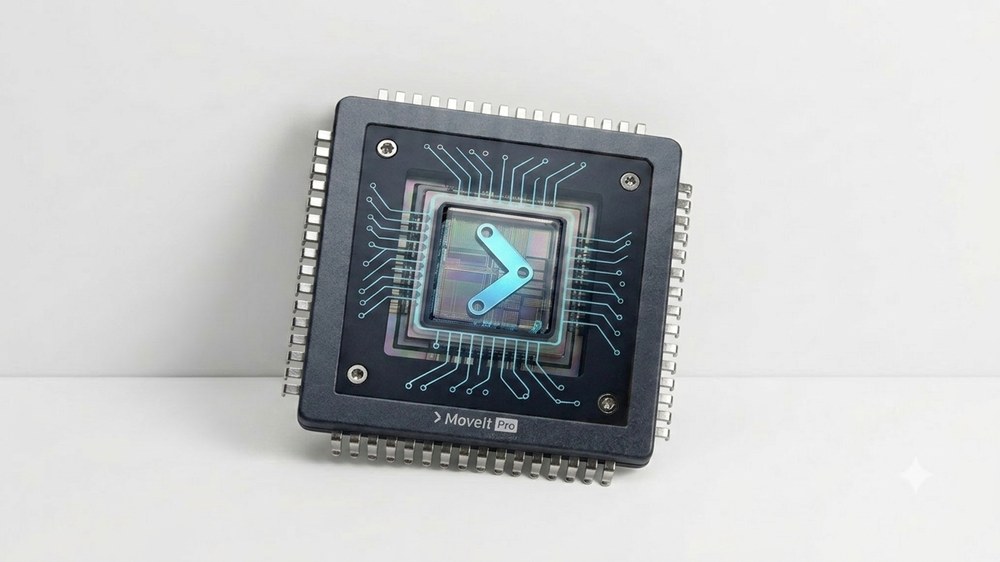
MoveIt Pro is the Application Platform, and you interact with it through the MoveIt Pro Desktop App. The MoveIt Pro Runtime is what gets deployed onto your robot, and it is also required for simulation development locally. The Desktop App connects to the Runtime, so install both together, even though they can run on different machines. MoveIt Pro Core is a separate way of using just the low-level libraries, and we do not recommend it for most organizations.
| MoveIt Pro Desktop App | MoveIt Pro Runtime | MoveIt Pro Core |
|---|---|---|
 |  |  |
|
|
|
Computer Requirements
- MoveIt Pro Desktop App
- MoveIt Pro Runtime
- MoveIt Pro Core
The Desktop App is a client. It renders the interface and connects to a Runtime running elsewhere, so it asks very little of the computer it runs on. The demanding requirements belong to the Runtime.
| Operating Systems Currently Supported |
|
| Operating Systems Coming Soon |
|
| CPU | Any modern x86-64 or ARM64 (ARMv8-A) CPU. The MoveIt Pro Desktop App does not require AVX. The Runtime requires it on an x86-64 host, but not on ARM64, where NEON covers the same work. |
| Minimum RAM | 8 GB |
| GPU | Not required. Hardware-accelerated graphics improve the 3D Visualizer, but integrated graphics are sufficient. |
| Disk Space | 1 GB for the installed app. None for the web app, which runs in a current browser. |
| Minimum Screen Resolution | 1024 x 768 pixels |
Simulation runs inside the Runtime, and it is what drives the requirements up. A Runtime that only executes on real hardware needs considerably less.
| With simulation | Without simulation | |
|---|---|---|
| Operating Systems Currently Supported |
| |
| CPU | x86-64 with AVX or ARM64 (ARMv8-A), with more than 8 cores | x86-64 with AVX or ARM64 (ARMv8-A), with multiple cores |
| Minimum RAM | 32 GB | 16 GB |
| GPU |
| Optional; strongly recommended for AI models. |
| Minimum VRAM | 8 GB VRAM or 16 GB unified RAM | |
| Disk Space | 25 GB available (includes CUDA, Docker, ROS, etc) | |
Minimum requirements, custom to your needs.
| Recommended CPU | Tailored to your deployment |
| Minimum RAM | Tailored to your deployment |
| GPU | Not required |
| Disk Space | 200 MB |
CPU Instruction Set
The Runtime's bundled MuJoCo library requires the AVX instruction set on x86-64, both with and without simulation. 64-bit alone is not enough. A CPU without AVX fails with an illegal-instruction crash instead of a readable error. On an x86-64 host, check a machine before you buy or deploy it:
lscpu | grep -qw avx && echo "AVX: yes" || echo "AVX: NO - not supported"
AVX is missing or hidden in the following 64-bit cases:
- Intel Atom, Celeron, and Pentium parts built on Silvermont through Tremont cores. Bay Trail, Apollo Lake, Gemini Lake, Jasper Lake, and Elkhart Lake, including the Atom x6425E.
- Intel parts older than Sandy Bridge (2011) and AMD parts older than Bulldozer (2011).
- Some Intel Celeron and Pentium parts, where Intel disabled AVX on an otherwise capable Core microarchitecture to segment the part against the Core line. Later parts have it and earlier ones do not, so check the model rather than the brand.
- Virtual machines given a generic guest CPU model such as
kvm64,qemu64, or a legacy VMware EVC baseline that masks AVX. The host has AVX and the guest cannot see it. For QEMU or KVM, use host passthrough or a suitable named CPU model. For VMware, use an AVX-capable Enhanced vMotion Compatibility (EVC) baseline.
Intel's newer N-series (N97, N100, N305, and later, built on Gracemont cores) is the exception. It has AVX2 and meets this requirement, so the Atom lineage in a part's brand name does not tell you whether it works.
Supported ARM64 platforms provide Advanced SIMD (NEON). 32-bit ARM (armhf) is not supported.
Recommended Tier-1 Computers
NVIDIA Jetson
- NVIDIA Jetson AGX Orin DevKit with JetPack 7.2.x
Other Tier-1 Computers
- Neousys NRU-230V-AWP
- Desktop with NVIDIA RTX 5090
MoveIt Pro Runtime
The MoveIt Pro Runtime is the realtime set of libraries that embed with your deployed robot system. Customers are welcome to use their own user interface with just the Runtime, without the MoveIt Pro Desktop App. It can optionally include simulation, which is what drives its hardware requirements up — see the Runtime tab under Computer Requirements for the with- and without-simulation figures — with the additional software specifications below.
| OS Privileges | Root user (sudo) privileges are required for installation and setup |
| ROS Versions 1 |
|
| DDS Version 1 |
See Customize DDS Configuration for more info. |
| Release Method | Debian / RPM package that downloads Docker containers |
| Robot Arm Model Format |
|
| Low-Level Control Interface | The ROS 2 Control API is used to command your robot using the following required control modalities: Joint trajectory control:
Joint state feedback: Other control modalities:
Preferred controllers:
Other supported controller interfaces:
|
| Recommended Control Speed |
|
| Gripper Control Interface | Preferred control modality:
|
| Optional Mobile Base Requirements | Whole Body Control
|
Robot Hardware Specifications
Gold-Tier Supported Robot Arms
The following brands and models of robot arms are officially supported by PickNik at no additional integration cost, and should work out of the box. If you encounter issues with the integration, contact our support team to investigate on your behalf. Additional integration work or cost may be required for your chosen end effector.
MoveIt Pro can work with all brands of robot hardware and end effectors, but additional time-and-materials integration fees may be required, or your team can attempt the integration yourself.
| Brand | Model(s) | Notes |
|---|---|---|
| Universal | e-Series, cb3 Series | Online Guide. We recommend Polyscope 5. PolyscopeX does not currently support the tool communication port. |
| FANUC | CRX Series | Online Guide. ROS is supported with most control boxes. Confirm your specific control box's compatibility through FANUC support. |
| KUKA | KR Cybertech Series | Online Guide. ROS is supported with most control boxes. Confirm your specific control box's compatibility through KUKA support. |
| Kinova | Gen3 | Online Guide |
| Franka | FR3 | Online Guide |
| ABB | IRB Series | |
| UFactory | XArm Series | |
| Elite | CS Series |
General Hardware Requirements
| Supported Robot Arm Types |
See our hardware ecosystem page for full compatibility. |
| Supported Robot Morphologies |
|
| Recommended End Effectors |
Other gripper modalities are possible; see the hardware ecosystem page. |
| Minimum Cartesian Pose Repeatability (Recommended) | +/- 1 mm (+/- 0.039 in) relative to the robot base |
| Maximum Trajectory Tracking Error (Recommended) | +/- 10 mm (+/- 0.39 in) measured at the robot's tool flange |
| Force/Torque Control (optional) | Preferred:
PickNik's services team can implement these features for additional cost. |
| Camera Requirements (optional) |
|
| Recommended Depth Cameras (optional) | See our hardware ecosystem page for full compatibility. |
| Optional User Interface Devices |
|
Currently Available Features
There are always new features being released, and some are likely not yet mentioned in this document. See the rest of our documentation, Technical Product Tour, and release notes for more feature information.
Motion Control Features
MoveIt Pro is a hardened, warrantied, and well-supported version of MoveIt designed to give you better results for your motion planning needs.
| Motion Planning |
|
| Cartesian Motion Planning |
|
| Controls |
|
| Motion Task Planning |
|
| Grasping |
|
Machine Vision Features
| Machine-Learning-Based Perception |
|
| Point Cloud Perception |
|
| RGB Perception |
|
| Camera Calibration |
|
Developer Features
The developer tools for creating new robot applications with MoveIt Pro and Behavior Trees. All feature availability depends on actuator and sensor capabilities.
| 3D Visualizer |
|
| Behavior Tree Editor | From a user interface:
|
| Behavior Tree Visualization View |
|
| Behavior Extensibility |
|
| Motion Task & Task Sequencing Planning |
|
| Camera Views |
|
| Remote Connectivity |
|
Manual Control & Teleoperation Features
| Manual Robot Control |
|
| Human in the Loop / Supervised Autonomy |
|
| Situational Awareness |
|