Haply Haptic Controller Setup Guide
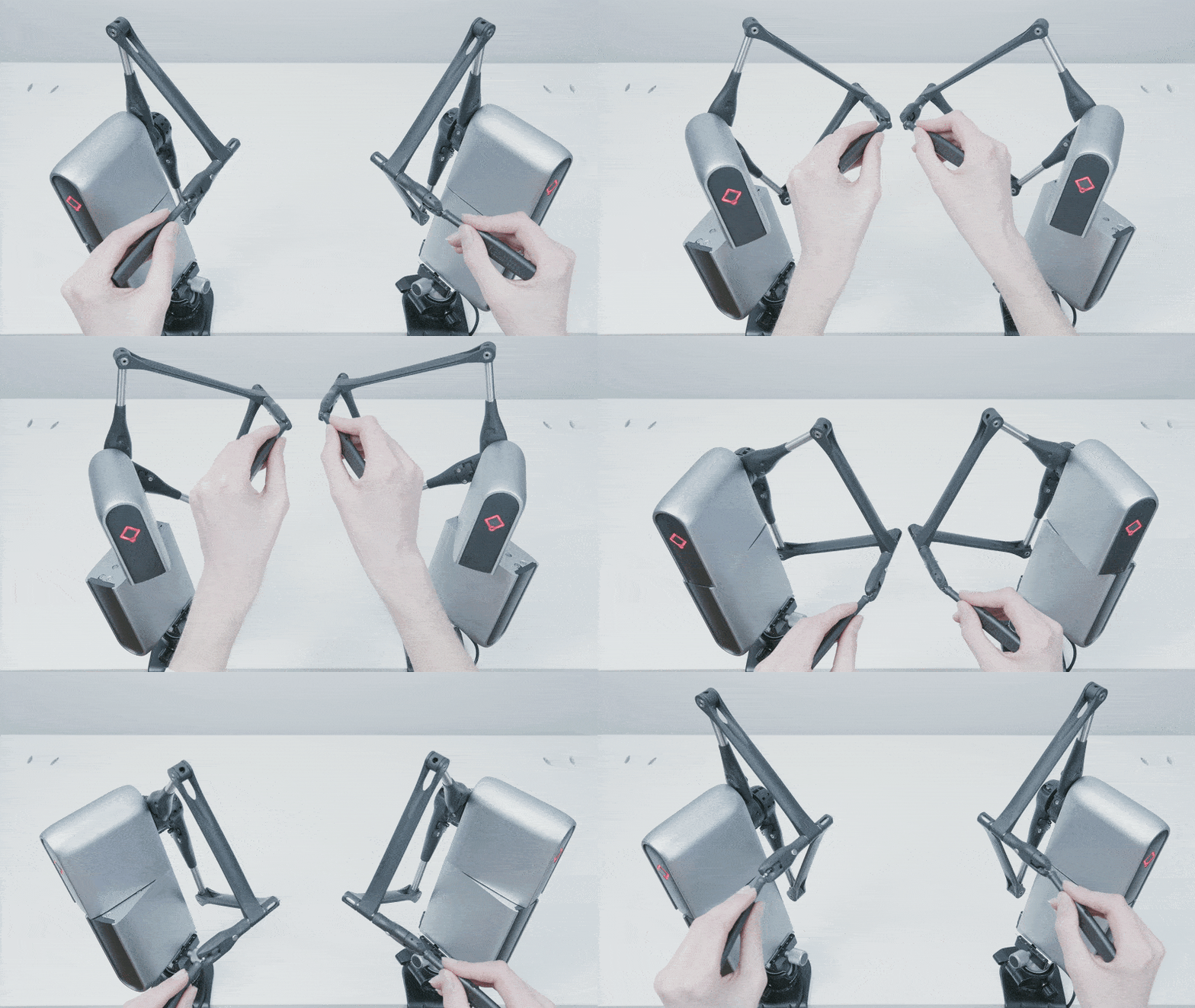
The Haply Robotics haptic controller is a 6DoF input device that provides high-precision control for robot teleoperation. When paired with MoveIt Pro, the Haply controller offers:
- Force feedback: Feel resistance when the robot encounters obstacles (Future work)
- High precision: Fine-grained control suitable for delicate operations
- 6DoF input: Full 6-degree-of-freedom position and orientation control
- Plug-and-play: Works out of the box when connected via USB
Haply controllers are ideal for applications requiring precise manipulation with tactile feedback, such as assembly tasks or delicate part handling.
Setup Instructions
Follow these steps to set up your Haply controller for use with MoveIt Pro:
-
Connect the hardware: Plug the Haply controller into the computer where you are running MoveIt Pro using the provided USB cable.
-
Configure device mode: Ensure the Haply is in Gamepad mode. The device may already be in this mode by default, but verify this setting if you experience connectivity issues.
-
Launch MoveIt Pro: Start your MoveIt Pro application and open the web interface in your browser.
-
Navigate to teleoperation: In the MoveIt Pro web app, navigate to Teleoperate → Pose Jog.
-
Start controlling: Begin using the Haply controller. It will automatically interact with MoveIt Pro through the browser interface to control pose jogging movements.
The Haply controller provides intuitive 6DoF control, allowing you to move and rotate the robot's end-effector naturally through space. The high precision of the device makes it particularly suitable for fine manipulation tasks.
Summary
Your Haply controller should now be ready to use with MoveIt Pro for precise teleoperation tasks. For more information on teleoperation methods available in MoveIt Pro, see the Teleoperation Overview.